The problem: a different tool for everything
In most small and mid-sized companies, the IT department did not choose its tools: it collected them. A ticketing system someone bought years ago, the inventory in a spreadsheet, licenses scattered across invoices and emails, telecom in the carrier’s portal and contracts in a folder only its creator understands.
Each tool works on its own, but nobody has the full picture. And the important questions always cut across several of them: how much does an employee really cost in technology? What access did the person who left yesterday have? Which renewals are due this quarter? Answering them means opening five tabs and matching data by hand.
All-in-one IT management software solves this with a simple idea: one place, one inventory and one dashboard for all of IT operations.
IT management software is the platform the IT department uses to manage both its services (ITSM: tickets, incidents and requests) and its assets (ITAM: devices, licenses, contracts and costs). When it is truly all-in-one, both share the same data: the ticket, the device, its user and what it costs are all connected.
What all-in-one IT management software should include
A tool does not need to do everything, but it should cover what the IT team handles every week. These are the building blocks that should not be missing:
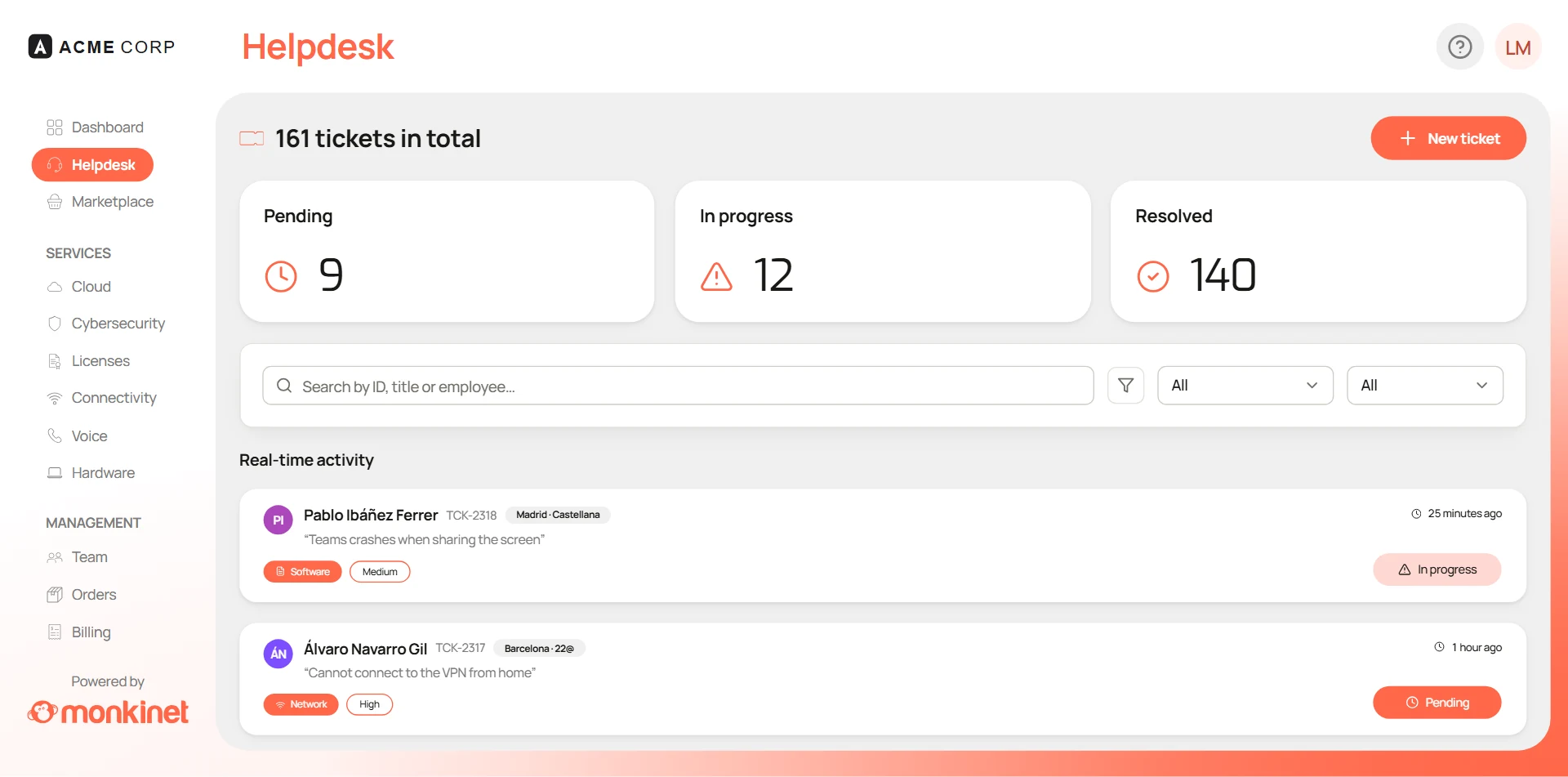
- Help Desk: tickets by email and portal, priorities, SLAs and a knowledge base so that repeat questions answer themselves.
- Hardware inventory: which devices you have, who has them, what state they are in and which patches are missing.
- Software licenses: what you pay for, who it is assigned to, what is unused and when it renews.
- Cloud: servers, domains and backups, with their cost in plain sight.
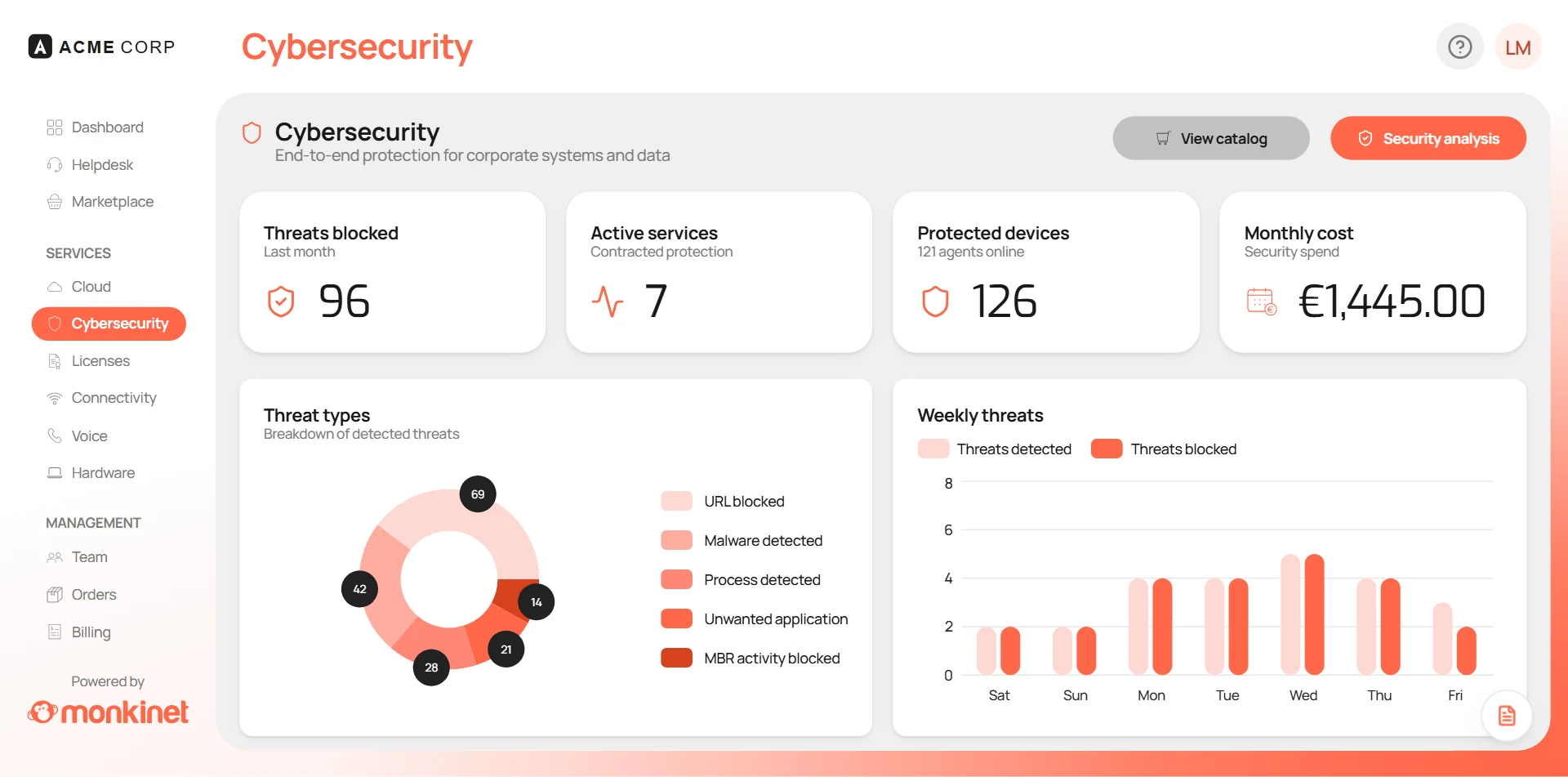
- Cybersecurity: device protection, threat detection and incident response.
- Telecommunications: mobile lines, landlines and data, to spot the ones nobody uses.
- Onboarding and offboarding: device, accounts, licenses and phone line ready on day one, and everything removed on the last day.
- Contracts: suppliers, amounts and renewal dates in one place.
If a tool leaves any of these out, that gap will end up back in a spreadsheet. And if you currently run tickets and inventory on GLPI, our guide to GLPI alternatives in 2026 compares the options and how to migrate.
What separates a real suite from a bundle of modules
Plenty of tools are sold as “all-in-one” and are really several products under the same logo. The difference shows as soon as a process crosses two modules. Three signs that the suite is the real thing:
- A single inventory. The laptop that appears in a ticket is the same one that appears in the inventory, with its user, licenses and warranty. Nothing needs syncing.
- Processes that cross modules. Onboarding an employee should set up their device, Microsoft 365 accounts, licenses and mobile line at the same time. And offboarding should remove all of it in one go.
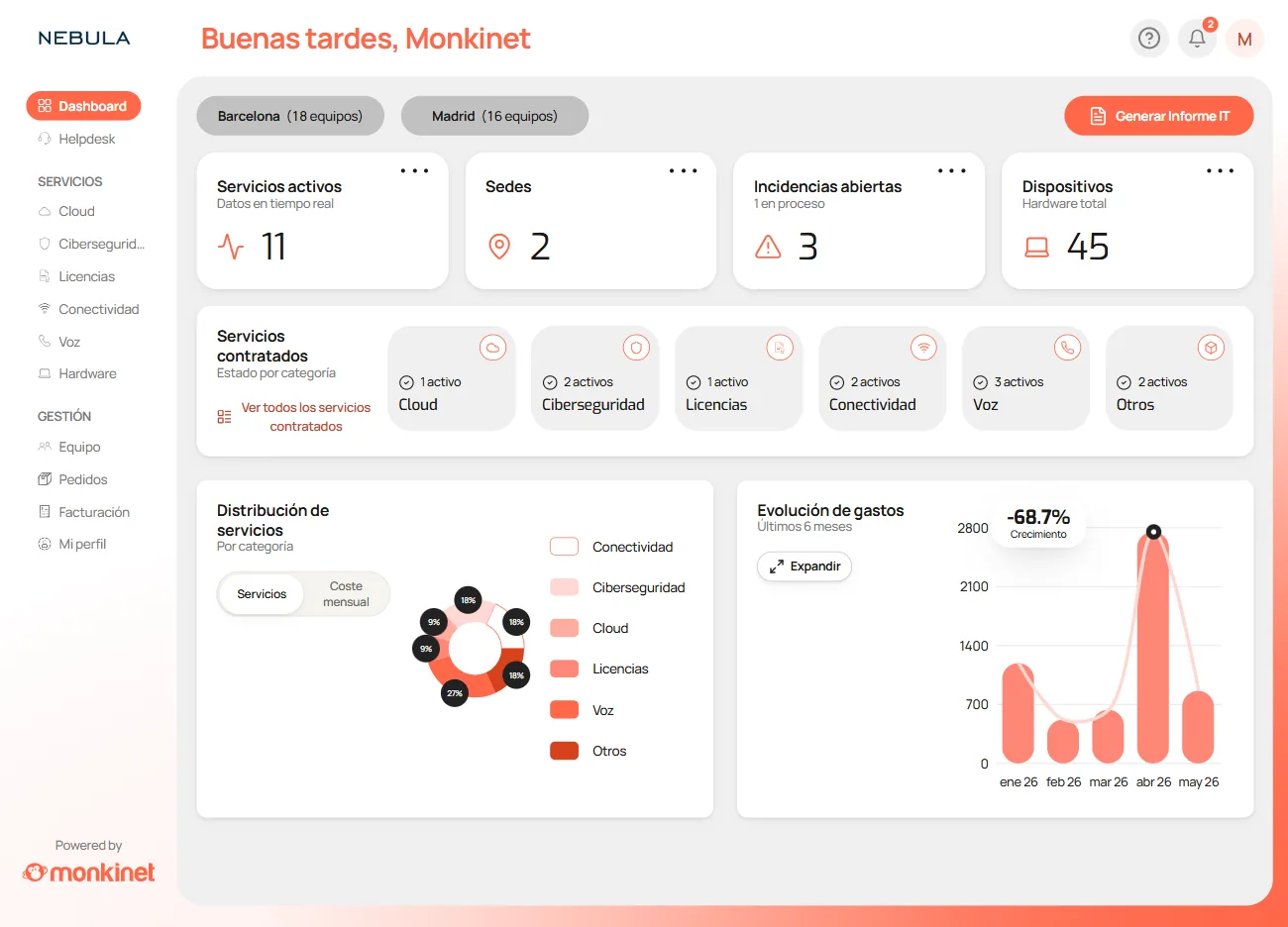
- One dashboard with the total cost. If spending on licenses, cloud, telecom and contracts lives in the same place, knowing what IT costs means looking at one number, not building a report.
How to choose: the criteria that matter
With the list of modules clear, these are the criteria that usually make the decision:
- Real coverage. The building blocks above should be included, not sold as separate add-ons.
- Pricing model. Per-user or per-agent pricing penalizes growth. Look for pricing that does not skyrocket when your team or headcount grows.
- Time to value. How long it takes to get up and running and how much configuration it needs. A tool that takes six months to implement saves nothing in its first year.
- Integrations. It should connect to what you already use, starting with Microsoft 365 or Google Workspace, so you do not duplicate users or data.
- Automation and AI. Classifying tickets, flagging renewals or detecting unused licenses are tasks a good tool does on its own.
- Data and security. Where the data is stored, how it is protected and how the tool itself helps you comply with rules such as GDPR or NIS2.
- Support. In your language, from people who understand how an IT department works.
Questions to ask in the demo
A well-used demo is worth more than any comparison. Bring these questions:
- Which modules are included in the price and which cost extra?
- How does the price change if our headcount doubles?
- How long would it take to have it running with our data?
- Can we import the inventory and tickets we already have?
- What does onboarding and offboarding an employee look like, end to end?
- Which tasks does the AI automate and which are still manual?
Monkinet: a real all-in-one
Go through the criteria above with Monkinet and you find exactly what an IT department is looking for:
- Real coverage. All eight building blocks (Help Desk, inventory, licenses, cloud, cybersecurity, telecom, onboarding and offboarding and contracts) in a single platform, with one inventory and one dashboard.
- Pricing that does not punish growth. Unlimited users and unlimited usage, with pricing that adapts to the size and needs of each organization.
- Fast setup. Automatic implementation, so getting it running is not a months-long project.
- Microsoft 365 integration. It connects to what you already use, without duplicating users or data.
- Native AI. AI triage, tickets that resolve themselves and autonomous patching: the AI takes care of repetitive tasks.
- Support in your language. So any question gets solved without barriers.
- Results you can see. HCP Architecture consolidated five tools into one and cut its IT spending by 30%, and Grupo GIE saves more than four hours a day on repetitive tasks.
You can see how all the building blocks fit together on the platform page.
Conclusion
All-in-one IT management software is not chosen by its feature list, but by how it handles the processes that span several areas: onboarding and offboarding, renewals, incidents and costs. If the tool has a single inventory, a single dashboard and pricing that does not punish growth, the rest is detail. Monkinet does all three.
- IT management
- SMBs
- ITSM
- Help Desk
- Inventory
Written by the Monkinet Team
We write about IT operations, security and efficiency for teams that manage a lot with few resources.