What GLPI is and why teams look for an alternative
GLPI is an open-source tool for managing IT services: tickets, device inventory, licenses, contracts and suppliers. It is free, very complete and has a large community, especially in Europe. That is why so many IT departments started with it.
The reasons for looking elsewhere tend to be the same:
- Maintenance. When it is self-hosted, someone has to update it, back it up, keep it secure and check that plugins still work after each release.
- The learning curve. It is powerful, but its interface and configuration take time, both for technicians and for the users who open tickets.
- What it leaves out. It handles tickets and inventory well, but cloud cost control or complete onboarding and offboarding usually end up in other tools.
- Support. The community edition does not include support; you have to buy it separately.
None of this makes GLPI a bad tool. It is simply that the time the team spends maintaining it is time it does not spend supporting users.
What to check before switching
Before comparing names, be clear about what you need:
- Scope. Tickets only, or also inventory, licenses and the rest of IT operations?
- Deployment. Do you want to keep running a server, or would you rather use a cloud tool?
- Team size. Tools built for large service centers can feel heavy for a team of two or three people.
- Price. Check whether it is charged per technician, per user or per asset, and how much the bill changes as you grow.
- Migration. Which data can be imported, and with how much effort.
The GLPI alternatives, one by one
Monkinet
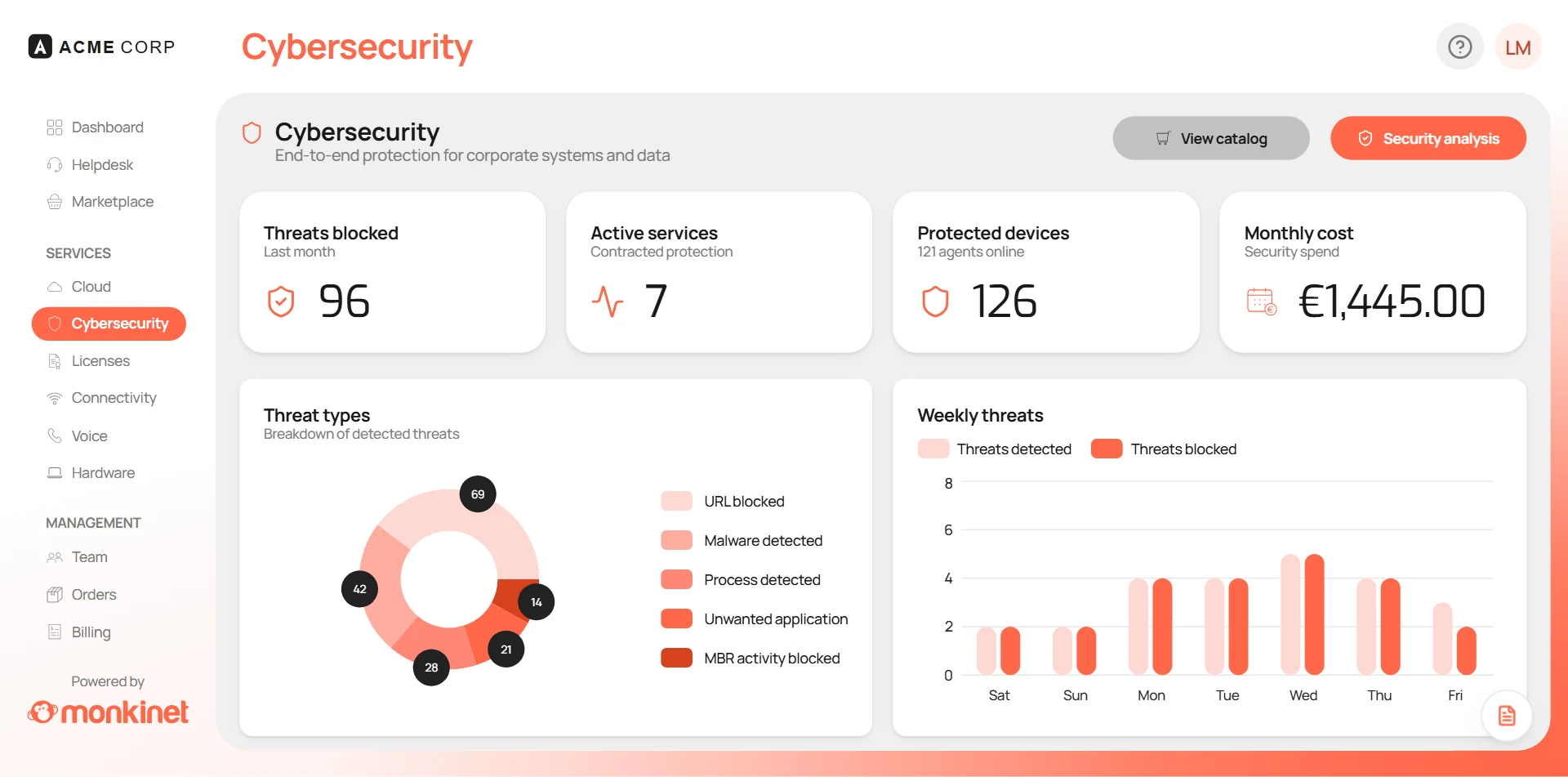
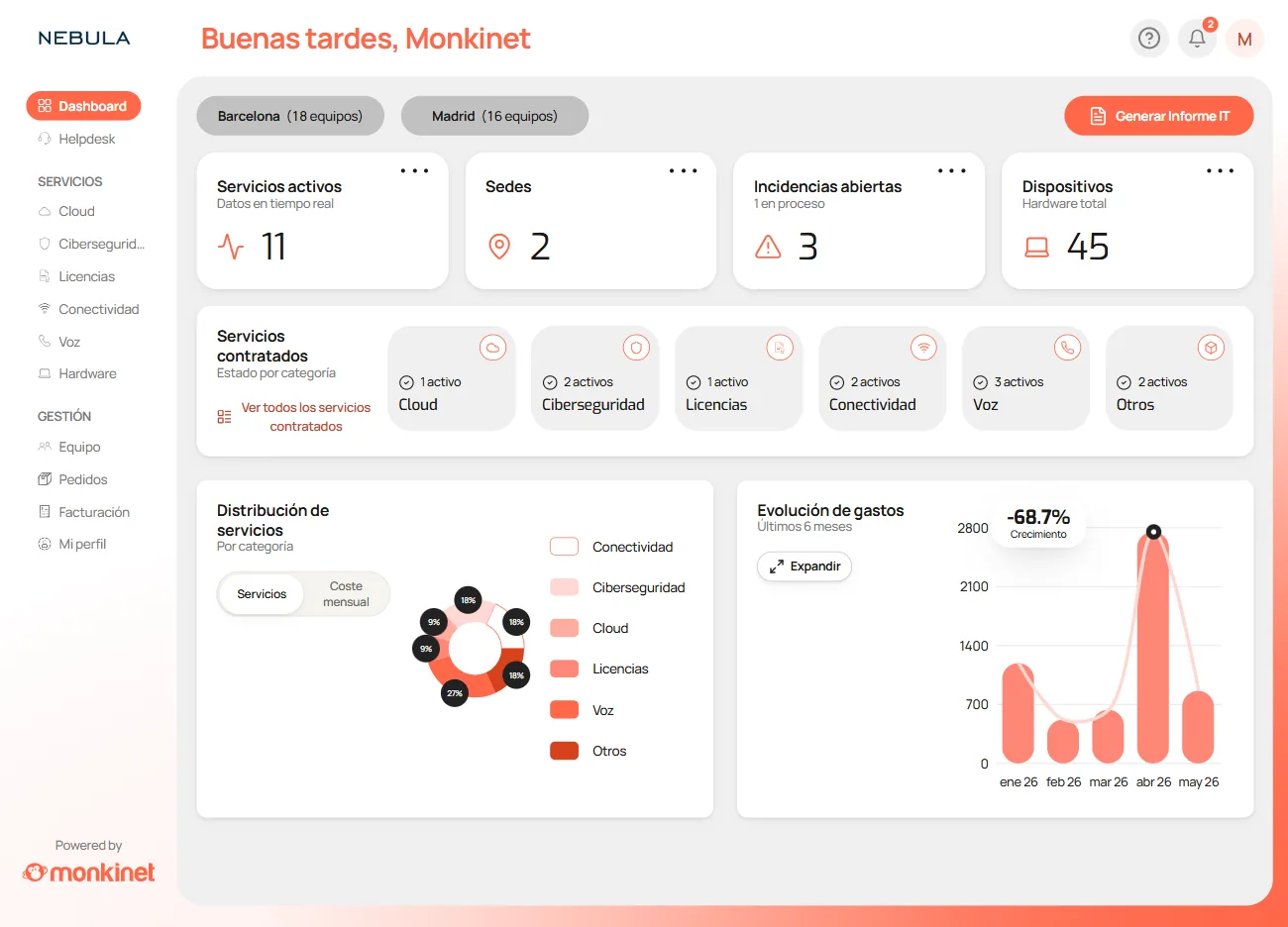
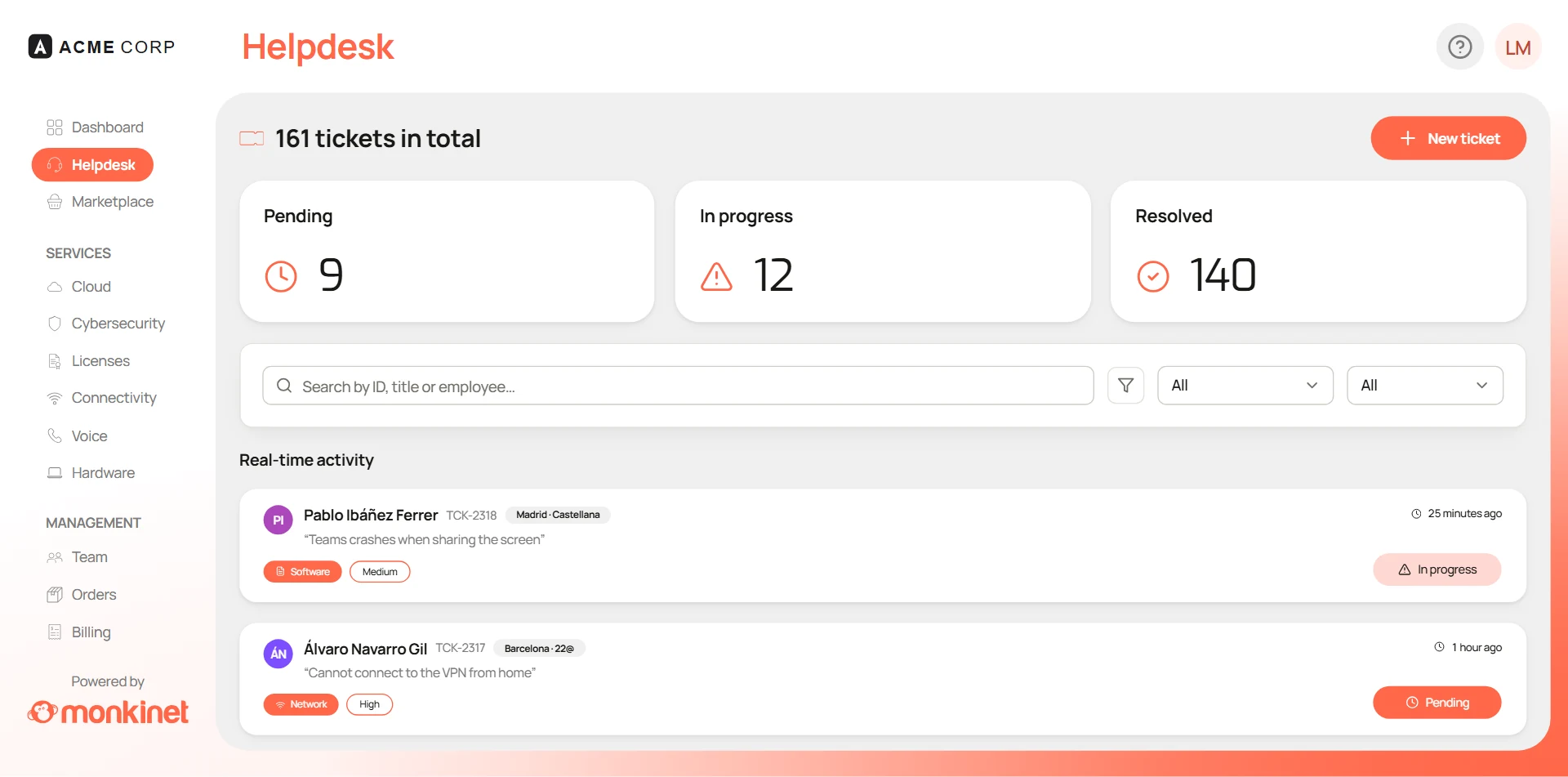
This is us, so we will be upfront: Monkinet is not just a Help Desk. It is an all-in-one platform that brings together Help Desk, hardware inventory, licenses, cloud, cybersecurity, telecom, onboarding and offboarding and contracts in a single dashboard, with unlimited users and unlimited usage. It fits if what you want is to stop maintaining separate tools, not just to replace your ticketing system.
Freshservice
Freshworks’ cloud IT service management tool. It covers tickets, a service catalog, asset management and ITIL-aligned processes, with a polished interface. It is priced per agent and per plan, so check which features each plan includes.
Jira Service Management
Atlassian’s product for support and operations teams. Its strength is the integration with Jira: if your development team already works there, incidents and tasks live in the same place. For a small IT department without in-house development it can be more than you need.
ManageEngine ServiceDesk Plus
One of the most widely used ITSM tools, from ManageEngine. It can be self-hosted or used in the cloud, follows ITIL and includes asset management. It is complete, with a configuration that requires dedication.
TOPdesk
A Dutch service management tool, widely used in Europe in education, healthcare and the public sector. Besides IT, it is used by other departments that handle requests, such as facilities or HR. It runs in the cloud, covers tickets, asset management and ITIL processes, and its strength is the self-service portal for users.
InvGate
A vendor founded in Argentina with two products that can be bought separately: InvGate Service Management, for tickets and ITIL processes, and InvGate Asset Management, for hardware and software inventory. It can be used in the cloud or self-hosted, and is common among Spanish-speaking companies.
Zammad and osTicket
Two open-source options focused on ticketing. Zammad is modern, gathers email, chat and social channels in one inbox and can be self-hosted or bought as a hosted service. osTicket is simpler and long-established. Neither aims to replace GLPI’s inventory: they are good options if you only need tickets.
Quick comparison
| Tool | Type | Deployment | A good fit if… |
|---|---|---|---|
| GLPI | Open-source ITSM and inventory | Self-hosted or cloud | You want full control and have time to maintain it |
| Monkinet | All-in-one IT management platform | Cloud | You want all of IT operations in one dashboard |
| Freshservice | ITSM | Cloud | You want ITIL processes with a polished interface |
| Jira Service Management | ITSM | Cloud | Your development team already uses Jira |
| ServiceDesk Plus | ITSM with asset management | Self-hosted or cloud | You need full ITIL and can invest time in configuration |
| TOPdesk | Service management (IT and other departments) | Cloud | Several departments handle requests from one portal |
| InvGate | ITSM and inventory, as two products | Cloud or self-hosted | You want tickets and inventory with ITIL processes |
| Zammad / osTicket | Open-source ticketing | Self-hosted or hosted | You only need tickets |
General information as of November 2026. Features and prices change: check each vendor’s website before deciding.
How to migrate from GLPI without losing history
Switching tools is less scary than it seems if you do it in steps:
- Export the inventory. GLPI lets you export devices, licenses and contracts to CSV. Remove duplicates and retired devices before importing them.
- Decide which tickets to migrate. Open tickets plus the last year of history are usually enough; the rest can stay archived in an export.
- Connect your directory. If users come from Active Directory, Entra ID or Google Workspace, connect the new tool to the same source instead of copying them by hand.
- Recreate categories and SLAs. Take the chance to simplify them: many GLPI installations pile up categories nobody uses.
- Run both for a few weeks. Keep GLPI read-only while the team gets used to the new tool and make sure nothing is missing.
If you are thinking beyond the Help Desk, our guide to what all-in-one IT management software should include covers the modules that should not be missing.
Why Monkinet is the best GLPI alternative
Teams leaving GLPI usually want three things: to stop maintaining a server, to keep everything GLPI already did well, and to avoid buying another tool for what GLPI does not cover. Most alternatives solve one or two of these. Monkinet solves all three.
- Zero maintenance. Monkinet runs in the cloud. No more updates, backups, plugins that break after every release or a server someone has to watch.
- Everything GLPI does, and what it leaves out. Help Desk and inventory, like GLPI, plus licenses, cloud, cybersecurity, telecom, onboarding and offboarding and contracts, in a single dashboard. With Monkinet you do not need a second tool.
- Easy for everyone. A Help Desk designed to be clear both for the technician and for the user opening a ticket, without weeks of configuration.
- Support in your language. With GLPI’s community edition, support is bought separately; with Monkinet you get support in your language.
- Microsoft 365 integration. It connects to what you already use, without duplicating users or data.
- AI-powered support. AI triage and tickets that resolve themselves: the team handles more requests without growing.
- Unlimited users and unlimited usage. The bill does not depend on how many people use the platform, and pricing adapts to the size and needs of each organization.
- Measurable results. HCP Architecture consolidated five tools into one and cut its IT spending by 30%. Grupo GIE saves more than four hours a day on repetitive tasks, and Grupo Myramar resolves incidents in a third of the time.
Conclusion
GLPI is still a good tool, but keeping it running has a cost. The other alternatives solve part of the problem: some remove the server, others improve tickets or inventory. Monkinet solves both and also brings the rest of IT operations into a single dashboard. If you want a GLPI alternative that will not force you to add another tool a year from now, start with Monkinet.
- GLPI
- Help Desk
- ITSM
- Comparison
- Open source
Written by the Monkinet Team
We write about IT operations, security and efficiency for teams that manage a lot with few resources.